Accessing Support
- Log in to your Logitrac account.
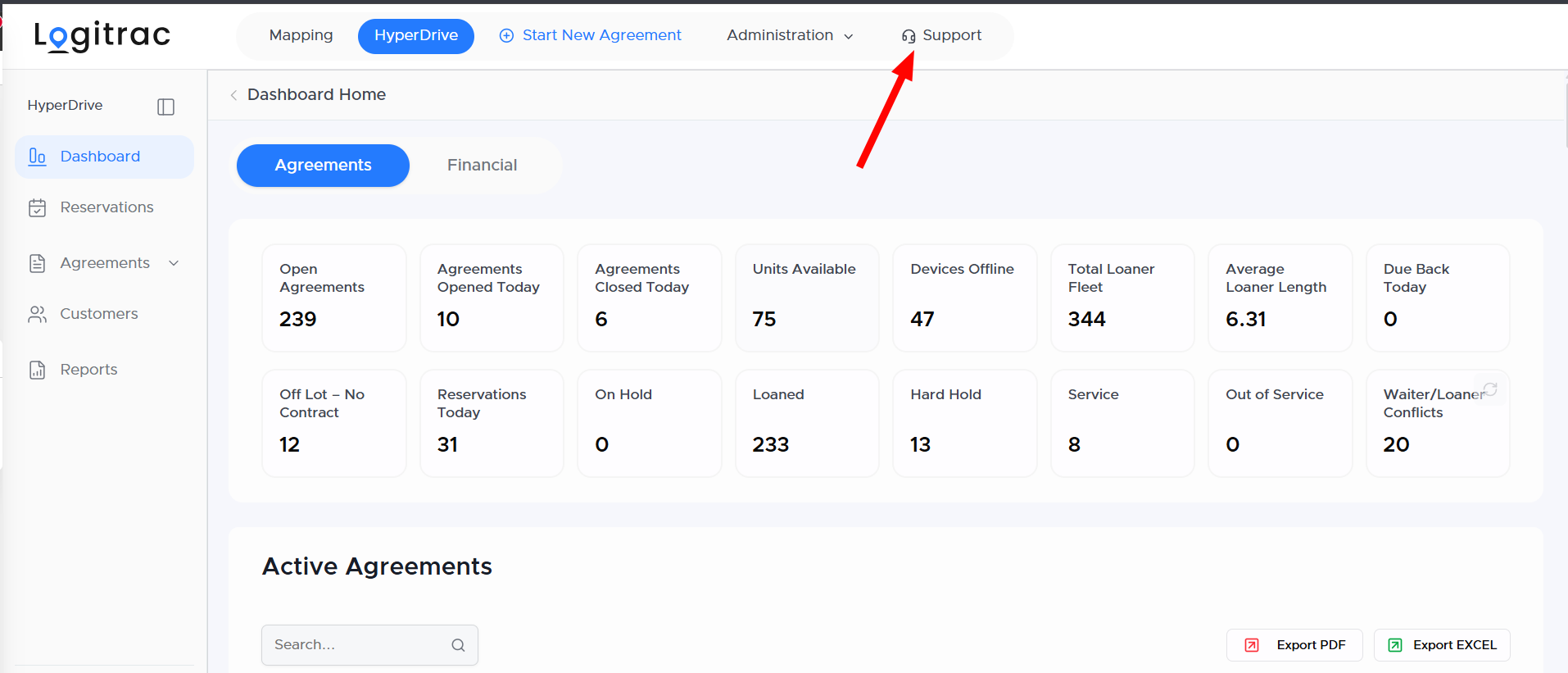
- Locate Support in the navigation bar at the top of the screen.
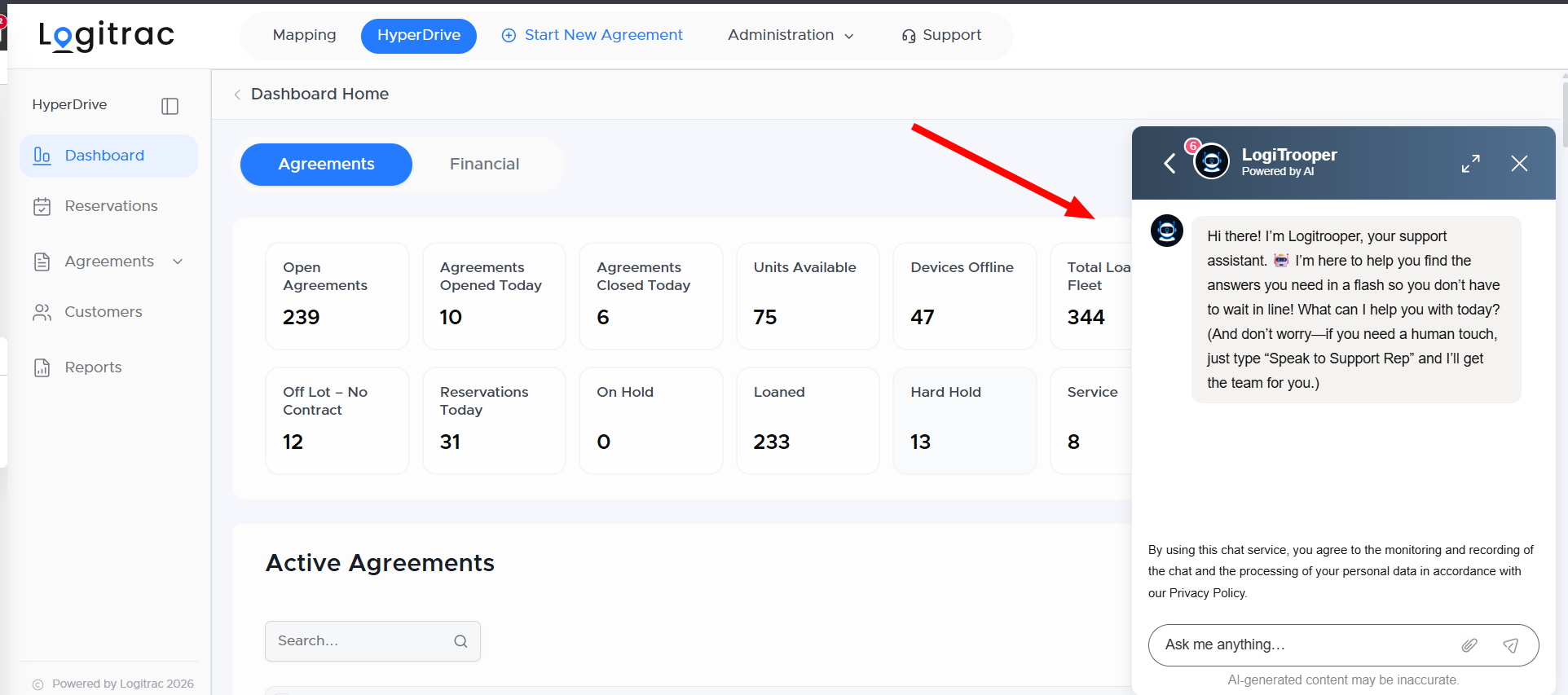
- Select Support to open the support widget in the bottom-right corner of the page.
Once the support widget opens, select Send a Message to begin a conversation with a Logitrac Support representative.
Our typical response time during regular support hours is within 15 minutes.
You can also contact the Logitrac Support team directly using the following methods:
- Phone: 888-598-0887
- Email: helpdesk@logitrac.com
Sending an email to the help desk will automatically create a support ticket for your request.
Support HoursThe Logitrac Support team is available:
Monday through Friday, 6:00 AM to 6:00 PM CST
Requests submitted outside regular support hours will be reviewed when the support team becomes available.
If you have any questions or experience an issue while using HyperDrive Pro, please contact us. Our team is here to help.