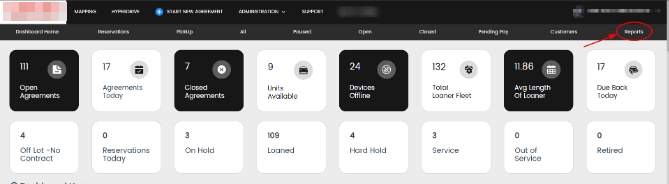
1. Select "Reports" on your top menu bar
2. Select the "Transaction Report" option

3. Select the transaction type

This will bring up all transaction types, their amount, date, customer name, & the card they used.
4. Use the "Search" option to quickly find a specific agreement.

6. If desired, export as a PDF or Excel file.
